
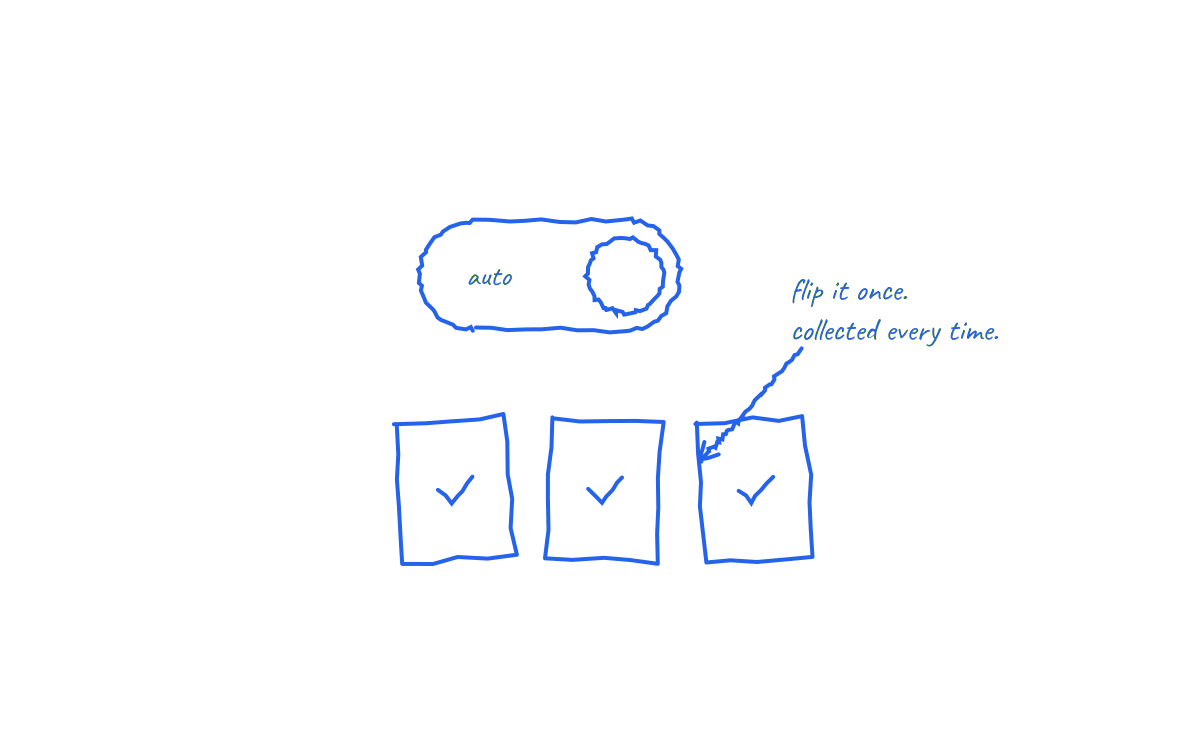
In brief: Automating invoice collection means removing the manual steps between raising an invoice and seeing cleared, reconciled money. There are four levels: automated delivery, automated reminders, automated collection, and automated reconciliation. Most businesses stop at level two. The cash flow gains live at levels three and four.
This guide covers all four, in the order to build them, and how to judge whether your setup is actually automated or just faster at being manual.
Why automate at all?
Manual collection costs on three fronts: time, cash and error. UK research puts average chasing time at 86 hours a year per affected business, quantified in how many hours businesses waste chasing invoices. Roughly £26 billion sits overdue across UK businesses at any time. And every manual step, from retyping amounts to matching unreferenced transfers, is a chance for the wrong number to land in the wrong place.
Automation attacks all three at once, but only if it covers the whole chain. Automating reminders while collection stays manual just produces politer waiting.
Level 1: automate invoice delivery
The baseline. Invoices generate and send from your accounting system the day the work completes, to a validated accounts payable contact, with a specific calendar due date, correct references and any required purchase order number.
Xero, QuickBooks and Sage all handle scheduled and repeating invoices natively. The discipline is in the data: a perfectly automated invoice sent to the wrong inbox is still an unpaid invoice.
Level 2: automate reminders
A reminder sequence that runs without anyone touching it:
- receipt confirmation when the invoice is issued;
- a pre due check that the invoice has passed approval;
- a due date notice; and
- a firm overdue sequence asking for a specific payment date.
Two rules make reminders credible. They must stop automatically the moment payment arrives, which requires a live link to your accounting data. And they must escalate in tone on a schedule, because a fifth identical gentle nudge teaches customers that your due dates are optional.
Reminders are where most "automation" ends, and it is worth being honest about what they achieve. They prompt the customer to act. They cannot make the customer act. The payment still depends on someone else logging into a bank.
Level 3: automate the collection itself
This is the level that changes cash flow. Instead of prompting the customer to push a payment, the business pulls the agreed payment on the due date by Direct Debit:
- The customer approves a mandate once, through a secure link, ideally at contract signing.
- Each invoice supplies its own amount and due date, fixed or variable.
- The customer receives the required advance notice automatically.
- The collection is submitted through Bacs to settle on schedule.
The customer keeps advance notice, the Direct Debit Guarantee and the right to cancel, so the arrangement is protective for them and predictable for you. Setup routes and provider selection are covered in how to set up Direct Debit for a business.
Level three is also where forecasting transforms. A debtor book of maybes becomes a schedule of collection dates, and the cash flow forecast starts from known events rather than hope.
Level 4: automate reconciliation and exceptions
The final level closes the loop. Successful collections mark their invoices paid in the accounting system automatically. Failures surface immediately with a reason, so a human decides the response: retry, contact the customer, or pause credit. Nothing gets marked paid on hope, and nobody spends Friday matching bank lines to invoice numbers.
The test of level four is simple: could you tell, in one screen, which invoices are collected, scheduled, failed or disputed, without opening your bank? If not, reconciliation is still manual, however fast it feels.
What full automation looks like in practice
A business running all four levels operates like this. An invoice is raised in Xero. The customer already has an active mandate from onboarding. The invoice amount and due date flow into the collection workflow, notice goes out automatically, the payment collects on the due date and the invoice closes itself. The finance team reviews an exception list once a week: a failed collection, a disputed amount, a new customer without a mandate yet. Everything else ran without a decision.
The manual chase, the reminder drafting and the bank archaeology are gone. What remains is judgement work, which is what finance teams are actually for.
Common automation mistakes
- Automating reminders and calling it done. The customer action is still the bottleneck.
- Choosing a payment tool disconnected from invoicing. Retyping amounts into a separate system replaces one manual job with another.
- Ignoring failure handling. A failed collection silently treated as paid is worse than no automation.
- Forcing every customer down one route on day one. Start with repeat customers, prove the experience, then expand.
- Automating a broken process. Wrong contacts and missing purchase orders fail at machine speed too. Fix the data first; the checklist is in how to stop chasing unpaid invoices.
How NRTH delivers levels 3 and 4
NRTH connects Xero, QuickBooks and Sage invoices to Direct Debit collection. Mandates, advance notices, scheduled collections, failure reporting and reconciliation run as one workflow, with the invoice as the source of truth throughout. Levels one and two stay in your accounting stack, where they belong. NRTH supplies the part almost nobody has automated: the money actually arriving.
Frequently asked questions
What is the difference between automated reminders and automated collection?
Reminders prompt the customer to make a payment. Collection takes the agreed payment on the due date under an approved mandate. Only collection removes the dependency on customer action.
Do customers accept automated collection?
Widely, when it is introduced at the start of the relationship and framed around their benefit: no dates to remember, advance notice of every amount, and Direct Debit Guarantee protection.
Can variable invoice amounts be collected automatically?
Yes. A single mandate supports variable collections, provided each amount is legitimately due and notified in advance. That is what makes Direct Debit suit invoicing, not just subscriptions.
How long does it take to set up?
Connecting accounting software and configuring the workflow is typically quick; the pacing item is inviting customers to approve mandates. Most businesses phase it: new customers at onboarding, existing customers at the next renewal or invoice.
Reminders automate the asking. Collection automates the getting paid.
See how NRTH runs the full workflow from invoice to reconciled payment, or talk to the team.
Sources and further reading
- Small Business Commissioner: late payments research
- Bacs: getting started with Direct Debit
- The official Direct Debit Guarantee
Last reviewed: 21 July 2026. This is general operational information, not financial advice.