
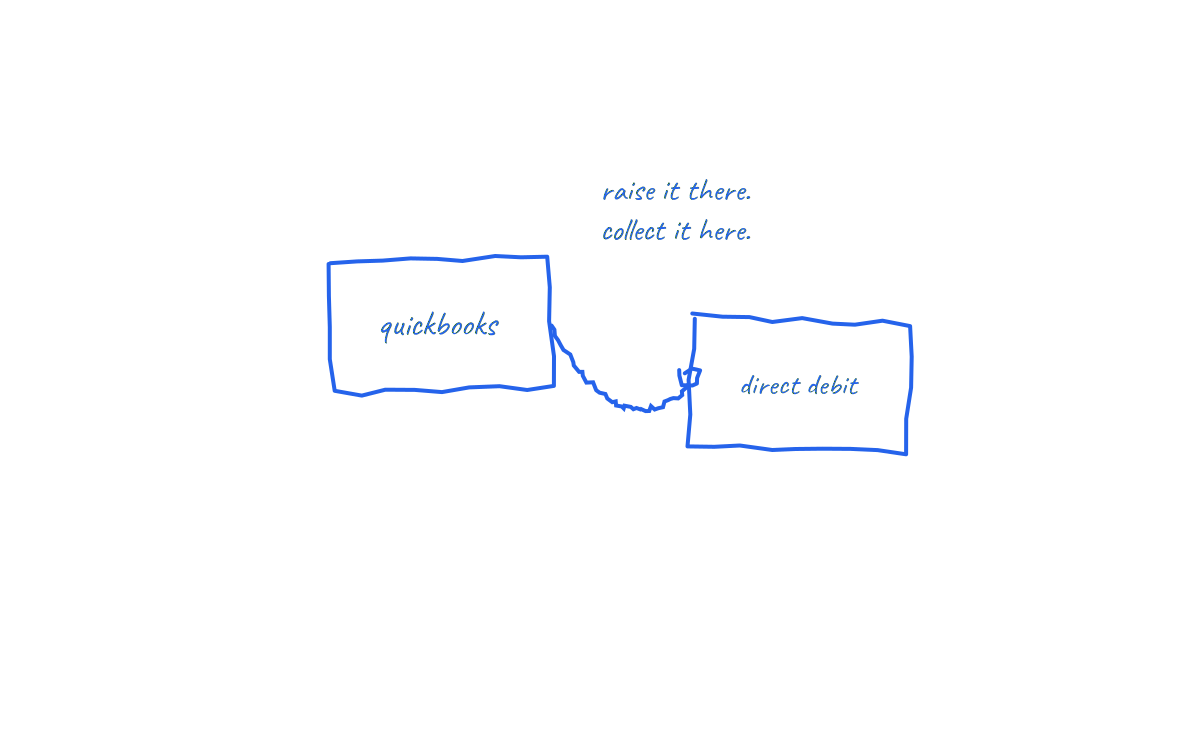
In brief: QuickBooks Online is where many UK small businesses run their whole finance life: invoicing, VAT, payroll, bank feeds. The one job it leaves open is collection. An invoice emailed from QuickBooks still waits for the customer to make a bank transfer. Connecting QuickBooks to Direct Debit turns those invoices into scheduled collections, with payment status flowing back automatically.
Here is the practical route, including the QuickBooks specific setup details that make it smooth.
The gap between invoiced and paid
QuickBooks tells you precisely who owes what. The open invoices view and aged receivables detail are accurate to the penny, which is exactly why they are painful reading. Accuracy about a problem is not a solution to it. UK research puts average chasing time at 86 hours a year for affected businesses, and QuickBooks users spend those hours with better reports than most.
Payment reminders in QuickBooks help at the margins, but they share the limit of every reminder: the customer still has to act. The distinction between prompting and collecting is drawn fully in how to automate invoice collection.
The QuickBooks to Direct Debit workflow
- Authorise the connection. The integration reads customers, invoices and due dates from QuickBooks Online and writes payments back.
- Map customers to mandates. Each customer approves a Direct Debit mandate once via a secure invitation. Their QuickBooks customer record links to that mandate from then on.
- Invoice exactly as you do today. One off invoices, recurring transactions, progress invoices: each carries an amount and a due date, which is all the collection layer needs.
- Collections schedule themselves. Submission into Bacs is timed so the debit lands on the due date, after the customer's advance notice.
- Payments post back. Collected invoices are recorded as paid against the right invoice; failures come back flagged with a reason instead of silently sitting as open balances.
QuickBooks settings worth fixing first
- Default payment terms per customer: QuickBooks lets you set terms at customer level. Make them real calendar based terms, because the due date they generate is what drives collection timing. Term selection is covered in invoice payment terms explained.
- Recurring transactions: for retainers, set the recurring invoice template and let each generated invoice flow through. Amount changes month to month are fine; the mandate supports variable collections with notice.
- Customer email hygiene: mandate invitations go to the billing contact on the customer record. Wrong email, no mandate.
- Invoice message text: swap the "please pay by bank transfer" block for a line explaining payment will be collected by Direct Debit on the due date, and that notice will be sent beforehand.
Reconciliation, the quiet win
QuickBooks users know the bank feed matching ritual: a receipt arrives with a mangled reference, and someone plays detective. With collection driven from the invoice, the amount and date are known before the money moves, so matching becomes confirmation rather than investigation. Month end closes faster, and the receivables you report to the bank or your accountant reflect scheduled reality.
Edge cases handled properly
- Part payments and credit memos: apply them before the scheduled collection so the debit matches the adjusted balance.
- Failed collections: returned through Bacs with reason codes; the invoice remains open in QuickBooks until resolved, which is the truthful state.
- Mixed customer base: customers without mandates stay on QuickBooks reminders while you invite them at natural moments. The transition plan is in how to stop chasing unpaid invoices.
- Sterling only: Bacs Direct Debit is a GBP scheme; non sterling invoices continue on existing methods.
How NRTH connects to QuickBooks
NRTH connects to QuickBooks Online, invites and tracks mandates, schedules collections against invoice due dates and posts payment status back automatically. It is built for invoice collection specifically, so variable amounts and one off invoices are first class citizens, not workarounds. The visible result: the open invoices screen stops being a to do list.
Frequently asked questions
Does QuickBooks support Direct Debit collection natively?
QuickBooks Online does not originate UK Bacs Direct Debits itself; collection runs through a connected provider that syncs invoices and payment status with QuickBooks.
Can recurring invoices in QuickBooks collect automatically?
Yes. Recurring transaction templates generate the invoices, and each one is collected under the customer's existing mandate on its due date, including variable amounts.
Will payments match the right invoices?
Yes, that is the design. Because collection is driven by the specific invoice, the payment posts back against it, rather than arriving as an unreferenced receipt to puzzle over.
What do my customers see?
A one time secure mandate approval, then advance notice before each collection. They keep the right to cancel via their bank and the protection of the Direct Debit Guarantee.
QuickBooks knows who owes you. Collection makes the number go down on schedule.
See how NRTH connects QuickBooks to Direct Debit, or talk to the team.
Sources and further reading
- QuickBooks UK: invoicing and accounting features
- Bacs: Direct Debit overview
- Small Business Commissioner: late payments research
Last reviewed: 21 July 2026. QuickBooks features change; check Intuit's current documentation. This is general information, not financial advice.