
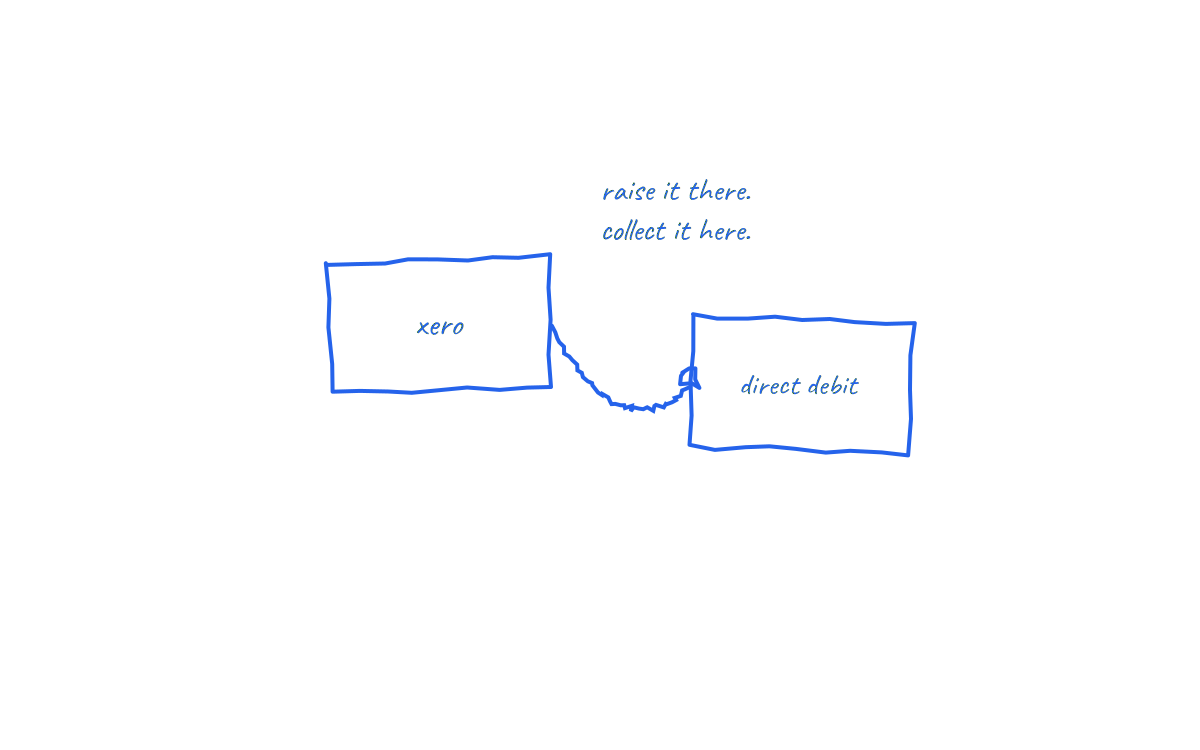
In brief: Xero raises excellent invoices but does not collect them. Payment still depends on the customer acting on the invoice email. Connecting Xero to Direct Debit collection closes that gap: the invoice supplies the amount and due date, an approved mandate supplies the authority, and the payment lands on schedule with the invoice reconciled automatically.
This guide covers how the connection works, what to configure in Xero first, and the workflow end to end.
What Xero does and does not do
Xero handles the invoicing side superbly: repeating invoice templates, branded emails, payment reminders, aged receivables reporting and bank feeds for reconciliation. What it does not do natively is originate Bacs Direct Debit collections. Invoice reminders in Xero still rely on the customer opening the email, logging into their bank and sending a transfer.
That is why the aged receivables report exists, and why so many Xero users know theirs by heart. Collection needs a connected layer that speaks Bacs, which is where a Direct Debit integration comes in. The mechanics of the scheme itself are in how Direct Debit works.
How the Xero to Direct Debit workflow runs
- Connect Xero. Authorise the integration so it can read invoices, contacts and due dates, and write payment status back.
- Invite customers to approve a mandate. Each customer approves a Direct Debit Instruction once through a secure link. Contacts in Xero map to mandates in the collection platform.
- Raise invoices as normal. Standard or repeating, fixed or variable amounts. Nothing about your invoicing habits changes.
- Collection is scheduled automatically. The invoice due date drives the Bacs submission timing, and the customer receives the required advance notice of the amount and date.
- Payment reconciles back. Successful collections mark the invoice paid in Xero; failures surface with a reason for a human decision.
Getting Xero ready first
- Clean contact records: correct legal names and billing emails, since these feed the mandate invitations.
- Real due dates: collection is scheduled from the due date field, so "due on receipt" habits and vague terms need tidying. The options are in invoice payment terms explained.
- Repeating invoice templates: for retainers and contracts, set the repeating invoice in Xero and let each generated invoice flow into collection. Variable extras simply change that month's amount; the mandate handles it.
- Branding theme note: update your invoice template wording so customers know payment will be collected by Direct Debit on the due date, replacing the bank transfer instructions block.
What changes day to day
The honest before and after. Before: raise invoice, send, wait, check bank feed, send reminder, match receipt to invoice, repeat across the ledger. After: raise invoice, and review a weekly exception list. Xero's bank feed still shows the money arriving; the difference is that the arrival was scheduled, and the invoice matched itself.
Xero's own reminders remain useful for the shrinking set of customers not yet on mandates. The broader system for that transition period is in how to automate invoice collection.
Handling the edge cases
- Credit notes and part payments: apply them in Xero before the collection date so the collected amount matches the adjusted invoice.
- Failed collections: insufficient funds or cancelled mandates return through Bacs with reason codes. The invoice stays open in Xero, correctly, until the retry or alternative payment succeeds.
- Customers without mandates: keep them on Xero reminders and invite the mandate at the next natural moment, such as renewal.
- Multi currency: Bacs is a sterling scheme, so UK Direct Debit applies to GBP invoices. Foreign currency invoices stay on their existing rails.
How NRTH connects to Xero
NRTH is built invoice first for exactly this workflow: connect Xero, invite mandates, and collections run against invoice due dates with automatic write back. Variable amounts, repeating invoices and one off invoices all collect under the same mandate. The result Xero users notice first is the aged receivables report getting boring, which is the point.
Frequently asked questions
Does Xero have built in Direct Debit?
Xero does not originate Bacs Direct Debit collections itself. Collection runs through a connected Direct Debit provider, with payment status written back to Xero.
Can repeating invoices in Xero be collected automatically?
Yes. The repeating template generates each invoice, and the connected collection layer schedules each one against its due date under the existing mandate, including variable amounts.
Do customers have to do anything each month?
No. They approve the mandate once and then receive advance notice of each collection. They can cancel through their bank at any time, and the Direct Debit Guarantee protects against collection errors.
What happens to my Xero bank reconciliation?
It gets easier. Collections arrive as expected amounts on expected dates, and invoices are marked paid automatically, so the feed matches instead of mystifying.
Xero writes the invoice. The mandate collects it. You read the exception list.
See how NRTH connects Xero to Direct Debit collection, or talk to the team.
Sources and further reading
- Xero Central: invoicing features and repeating invoices
- Bacs: Direct Debit overview
- The official Direct Debit Guarantee
Last reviewed: 21 July 2026. Xero features change; check Xero Central for current functionality. This is general information, not financial advice.