
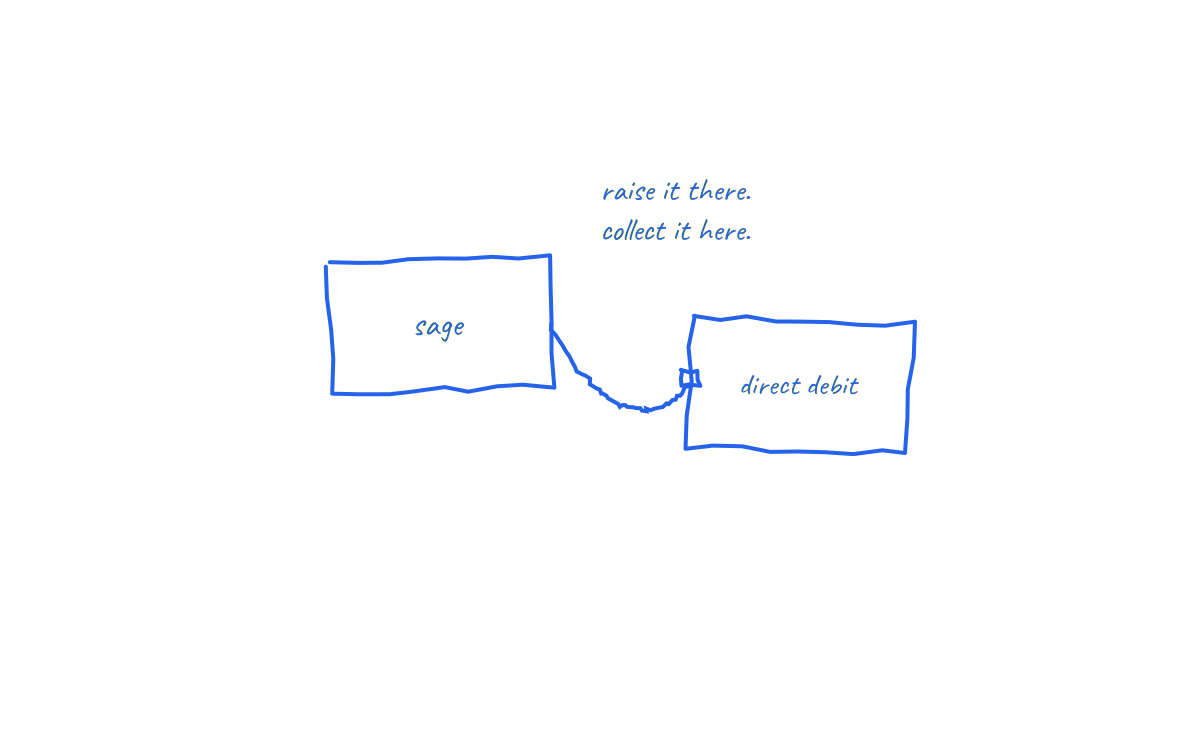
In brief: Sage users tend to run tighter ledgers than most: proper customer records, disciplined terms, clean audit trails. What Sage does not do out of the box is collect the invoices it raises. Connecting Sage to Direct Debit collection completes the chain, turning accurate receivables into scheduled receipts without the sales ledger clerk chasing anyone.
This guide covers the workflow for Sage Business Cloud Accounting and Sage 50 environments, and the ledger discipline that makes it sing.
Sage's strength is also the frustration
Sage businesses usually know their aged debtors position precisely: which customer, which invoice, how many days. That rigour is a genuine asset. It also makes the waiting more visible. A perfectly maintained sales ledger full of overdue balances is a well documented problem, not a solved one.
The missing piece is origination: Sage records what is owed, but the payment still requires the customer to push a bank transfer. Reminder letters and statements, however professionally produced, share that ceiling. The prompting versus collecting distinction is set out in how to automate invoice collection.
The Sage to Direct Debit workflow
- Connect the ledger. The integration reads customers, sales invoices and due dates from Sage and writes payment outcomes back.
- Establish mandates. Each customer approves a Direct Debit Instruction once through a secure link, mapped to their Sage customer account.
- Raise sales invoices as normal. One off, recurring or contract billing; the amount and due date on each invoice drive the collection.
- Collections run on the Bacs calendar. Submission is timed so the debit lands on the due date after the customer's advance notice, following the standard three working day cycle described in how long Direct Debit takes.
- The ledger updates itself. Successful collections post against the correct invoice; failures return with Bacs reason codes for the exception process.
Ledger discipline that pays off
- Customer record accuracy: legal entity names, billing contacts and terms held at customer level feed both the mandate invitation and the collection schedule.
- Terms as dates: Sage generates due dates from customer terms; make those terms real, because collection timing inherits them. The decoder is in invoice payment terms explained.
- Statement wording: update invoice and statement layouts to state that payment is collected by Direct Debit on the due date, with notice beforehand, replacing remittance instructions.
- Credit control roles: define who reviews the exception list. In Sage shops this is usually the sales ledger owner, whose job shifts from chasing to deciding.
What the credit controller's week becomes
Before: statement runs, reminder letters, phone rounds, promises logged, receipts matched against remittances. After: a weekly exception review of failed or disputed collections, plus mandate onboarding for new accounts. The judgement work remains; the clerical loop disappears. UK research puts the average chasing burden at 86 hours a year per affected business, and the Sage discipline that made chasing organised now makes automation nearly frictionless.
Edge cases in a Sage environment
- Credit notes and allocations: allocate before the collection date so the debit matches the net position on the account.
- Retentions and staged contracts: invoice each stage with its own due date and let each collect on schedule; retentions remain on the ledger until their release date, honestly.
- Failed collections: ARUDD reason codes come back through the workflow; the invoice stays open and the exception process decides retry, contact or escalation. Escalation routes are in what to do when a client won't pay.
- Mixed estates: firms running both Sage 50 and Business Cloud entities can standardise the same collection process across both ledgers.
How NRTH connects to Sage
NRTH integrates with Sage alongside Xero and QuickBooks, treating the sales invoice as the source of truth: the ledger supplies amount and due date, the mandate supplies authority, and outcomes post back automatically. For Sage businesses the appeal is continuity: the same rigour, minus the manual collection cycle attached to it.
Frequently asked questions
Does Sage collect Direct Debits natively?
Sage records and reports the sales ledger but does not originate Bacs collections by itself; collection runs through a connected Direct Debit provider synced with the ledger.
Can contract and recurring billing in Sage collect automatically?
Yes. Each generated invoice carries an amount and due date, and collects under the customer's existing mandate, including variable values with advance notice.
How do failed payments appear?
As flagged exceptions with Bacs reason codes, while the invoice remains open on the ledger. Nothing is marked paid until the collection clears.
Do customers need to re approve anything monthly?
No. One mandate covers ongoing collections; customers receive notice of each amount and date, can cancel via their bank, and hold Direct Debit Guarantee protection throughout.
Sage keeps the ledger honest. Collection keeps it moving.
See how NRTH connects Sage to Direct Debit collection, or talk to the team.
Sources and further reading
- Sage: Business Cloud Accounting features
- Bacs: Direct Debit overview
- Small Business Commissioner: late payments research
Last reviewed: 21 July 2026. Sage product features vary by edition; check Sage's current documentation. This is general information, not financial advice.